All-In-One Browser-Based Teleprompter With Built-In Audio Recorder
Who Is This For?
- You want to read from a clean, distraction-free teleprompter while recording your voice at the same time
- You don’t want to switch between multiple apps for scripting and audio recording
- You want full control over scroll speed, font size, and highlight focus for comfortable on-camera delivery
- You want professional-quality WAV or WebM recordings directly inside your browser
- You want everything to run 100% locally in your browser, with no uploads, and no cloud processing
Check out the free version
No sign-up required
(audio recorder is deactivated for the free version)
Please note: Though functional on mobile devices this teleprompter tool is designed for desktop use.
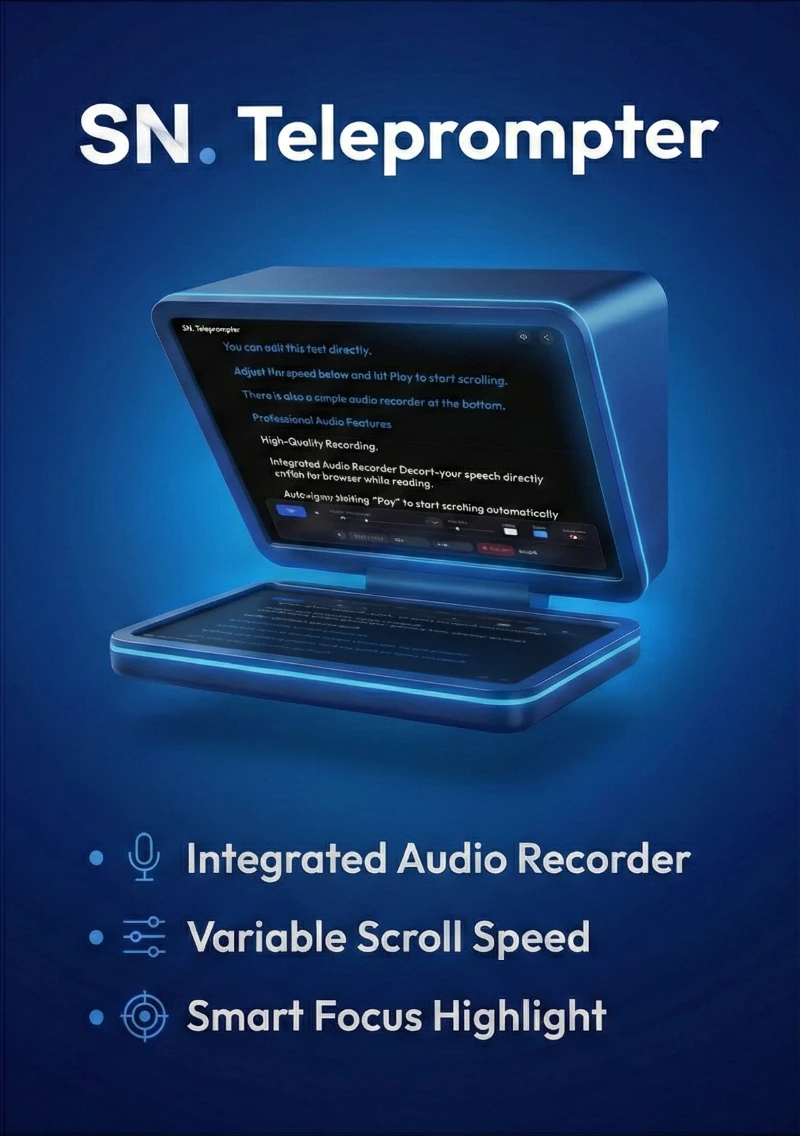
SkillNeer Teleprompter is a browser-based teleprompter with an optional built-in audio recorder. It runs entirely inside your browser, so your scripts and recordings stay on your device.
Smart, Distraction-Free Reading
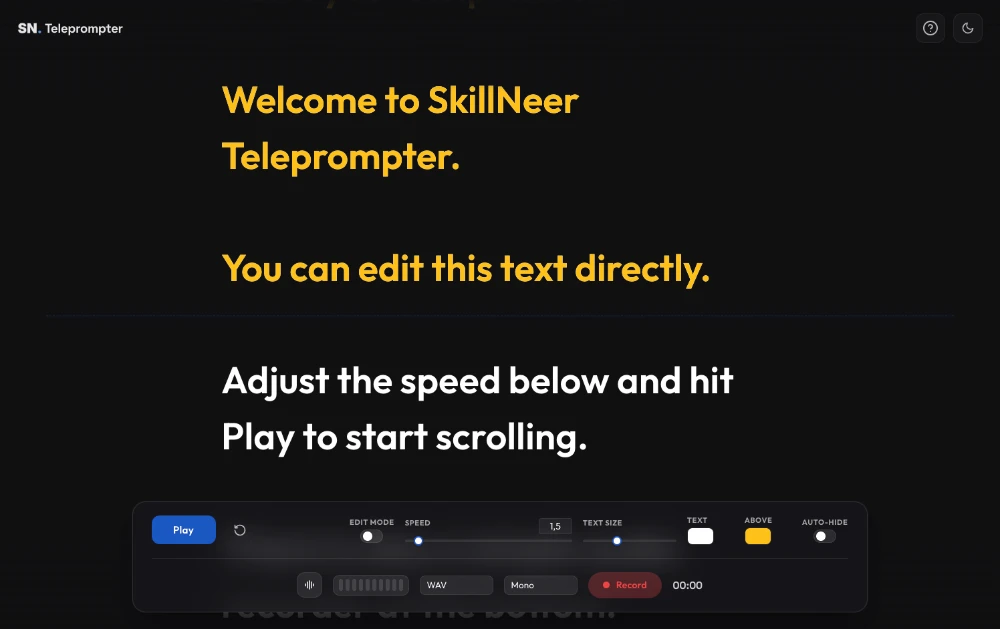
Designed for smooth on-camera delivery, the teleprompter gives you full control over speed, text size, and colors. A built-in Smart Focus helper guide keeps your reading aligned and easier to follow.
- Adjustable scroll speed with precise control
- Customizable text size and colors
- Smart Focus reading guide
- Edit Mode to prevent accidental changes
- Reset to quickly return to the top
Practice Or Record — Your Choice
Use the Play button to practice with the teleprompter anytime. When you're ready to record, press Record to capture your audio. While recording is active, the Play/Pause control also manages the recording for a synchronized workflow.
Integrated Audio Recording
Record directly inside the teleprompter interface without switching apps. Monitor your input and export high-quality audio in the format that fits your workflow.
- WAV and WebM recording formats
- Mono and stereo support
- Input monitoring
- Visual level metering with clipping alerts
Light And Dark Mode
Switch between light and dark themes to match your environment and recording setup.
Privacy First By Design
SkillNeer Teleprompter runs entirely in your browser. No uploads. No servers. No tracking. Your scripts and recordings never leave your device.
User Interface
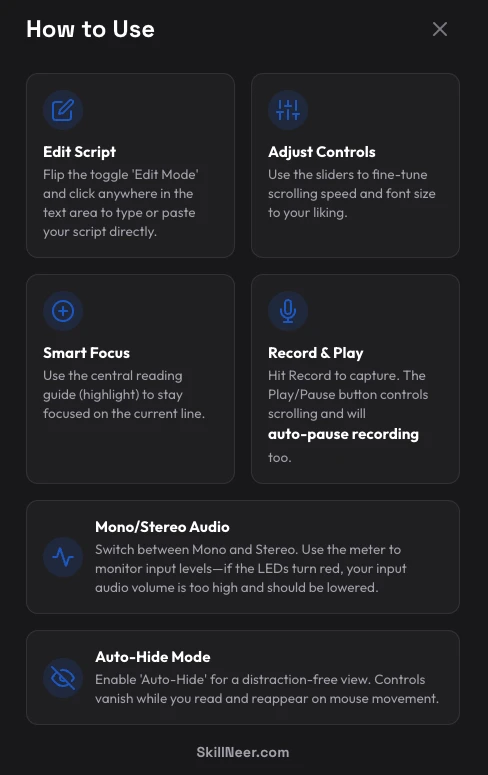
How-To Guide