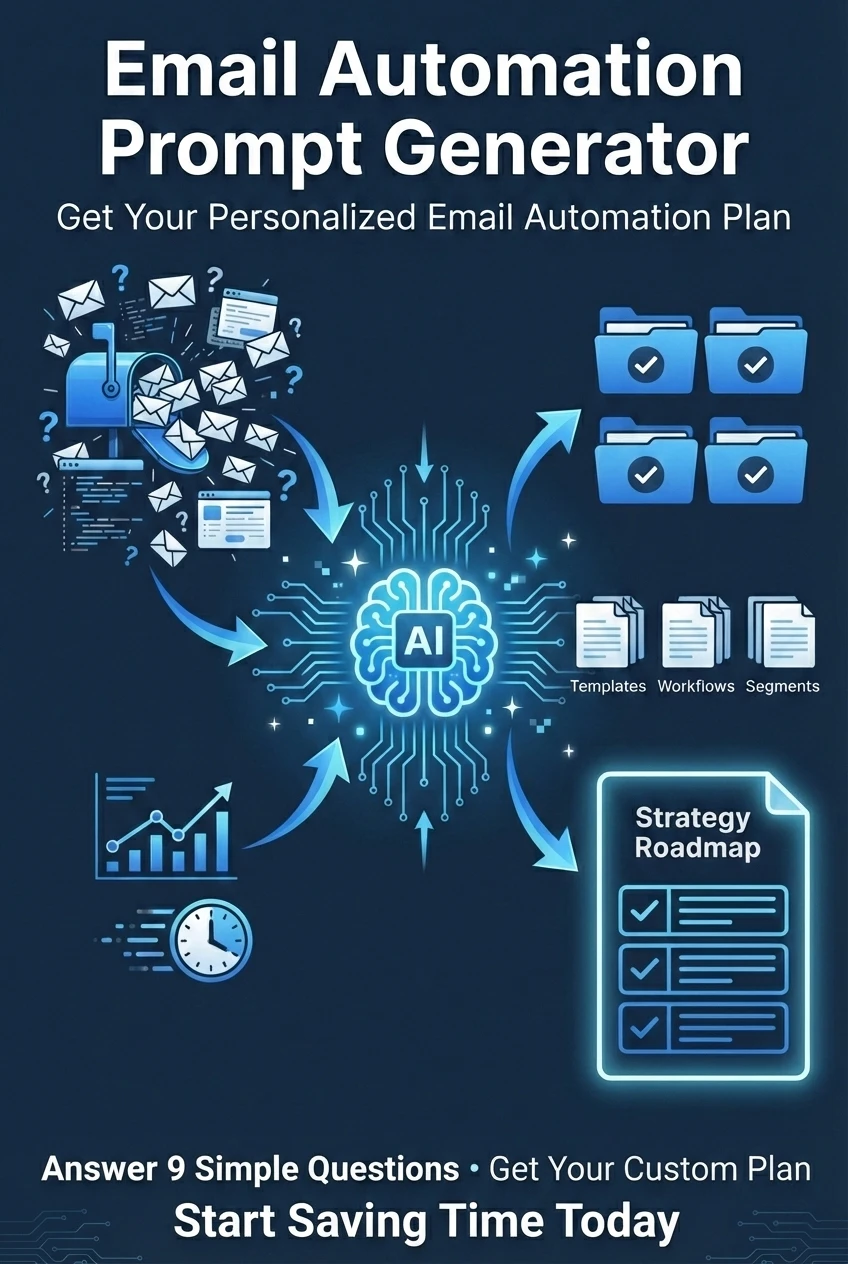
We've built a custom tool just for this course that will generate a personalized AI prompt tailored to your exact email situation. This isn't a generic template — it's a smart questionnaire that creates a detailed prompt you can use with ChatGPT, Claude, or Gemini to get a custom automation plan.

How This Tool Works
Answer 8 simple questions about your email habits, challenges, and goals. The tool then generates a comprehensive prompt that includes all your specific details. Copy that prompt, paste it into any AI assistant, and get a detailed, actionable automation plan created just for you.
What You'll Get From This Tool
When you use the generated prompt with an AI assistant, you'll receive:
- Recommended automation strategy — Which approach fits your specific email volume and challenges
- Exact tool recommendations — Specific tools within your budget, not vague suggestions
- Step-by-step implementation plan — A practical roadmap you can start following this week
- Expected time savings — Realistic projections based on your current situation
- Common pitfalls to avoid — Warnings about what won't work for someone in your position
Why Use AI to Create Your Plan?
Modern AI assistants like ChatGPT, Claude, and Gemini are excellent at creating customized automation strategies when given the right information. The challenge is knowing what information to provide and how to ask the right questions.
That's exactly what this prompt generator does — it gathers the essential details about your situation and formats them into a highly effective prompt that gets you actionable, personalized results.
The Power of Context
A generic question like "How do I automate my email?" gets a generic answer. But when you provide specific context — your email volume, budget, technical level, main challenge — the AI can give you a plan that actually works for your business.
How to Use the Tool
Simple 3-Step Process
- Answer the questions — Takes about 3 minutes to complete the questionnaire
- Copy your personalized prompt — Click the "Copy to Clipboard" button
- Paste into your AI assistant — Use ChatGPT, Claude, or Gemini to generate your plan
Questions You'll Answer
The tool asks strategic questions designed to give the AI everything it needs to create your perfect automation plan:
- Email volume — How many emails you receive daily (20-50, 50-100, 100-200, or 200+)
- Biggest challenge — Whether it's volume, response time, finding emails, repetitive questions, or overall time spent
- Email types — Customer support, sales, internal communication, scheduling, or mixed
- Monthly budget — From $0 (free tools only) to $100+ for comprehensive solutions
- Technical comfort level — Beginner, intermediate, or advanced
- Email provider — Gmail, Outlook, Apple Mail, or other
- CRM usage — Whether you use a CRM system or are considering one
- Main goal — Save time, respond faster, stay organized, or reduce stress
Plus an optional field for any additional context specific to your business.
What Makes This Different From Generic Advice
Instead of generic recommendations that may not fit your situation, this tool creates a prompt that tells the AI:
- "I receive 100-200 emails per day" — so it won't recommend solutions designed for 20 emails
- "My budget is $10-30/month" — so it won't suggest expensive enterprise tools
- "I'm not very technical" — so it won't recommend complex integrations requiring coding
- "Most of my time goes to customer support emails" — so it focuses on those specific automation needs
The result? A plan that's actually implementable for your specific situation, not one-size-fits-all advice.
Pro Tip: Ask Follow-Up Questions
Once the AI generates your plan, don't stop there! Ask clarifying questions like "How exactly do I set up this filter in Gmail?" or "Can you walk me through the Zapier automation step-by-step?" The AI will give you detailed instructions specific to your chosen tools.
Important Reminder
This tool generates a prompt — not a final plan. You'll need to paste that prompt into ChatGPT, Claude, or Gemini to get your customized automation strategy. The tool is the question-asker; the AI assistant is the strategy-creator.
After You Get Your Plan
Once the AI creates your personalized email automation strategy, here's what to do next:
- Review the recommendations carefully — Make sure the tools and approach align with your comfort level
- Start with the first step — Don't try to implement everything at once; automation is most successful when done gradually
- Test for one week — Give each automation tool or strategy at least a week before deciding if it works for you
- Ask follow-up questions — Return to the AI with specific questions as you implement: "How do I set this up?" or "What if this scenario happens?"
- Track your time savings — Keep a simple log of how much time you're saving so you can see the impact